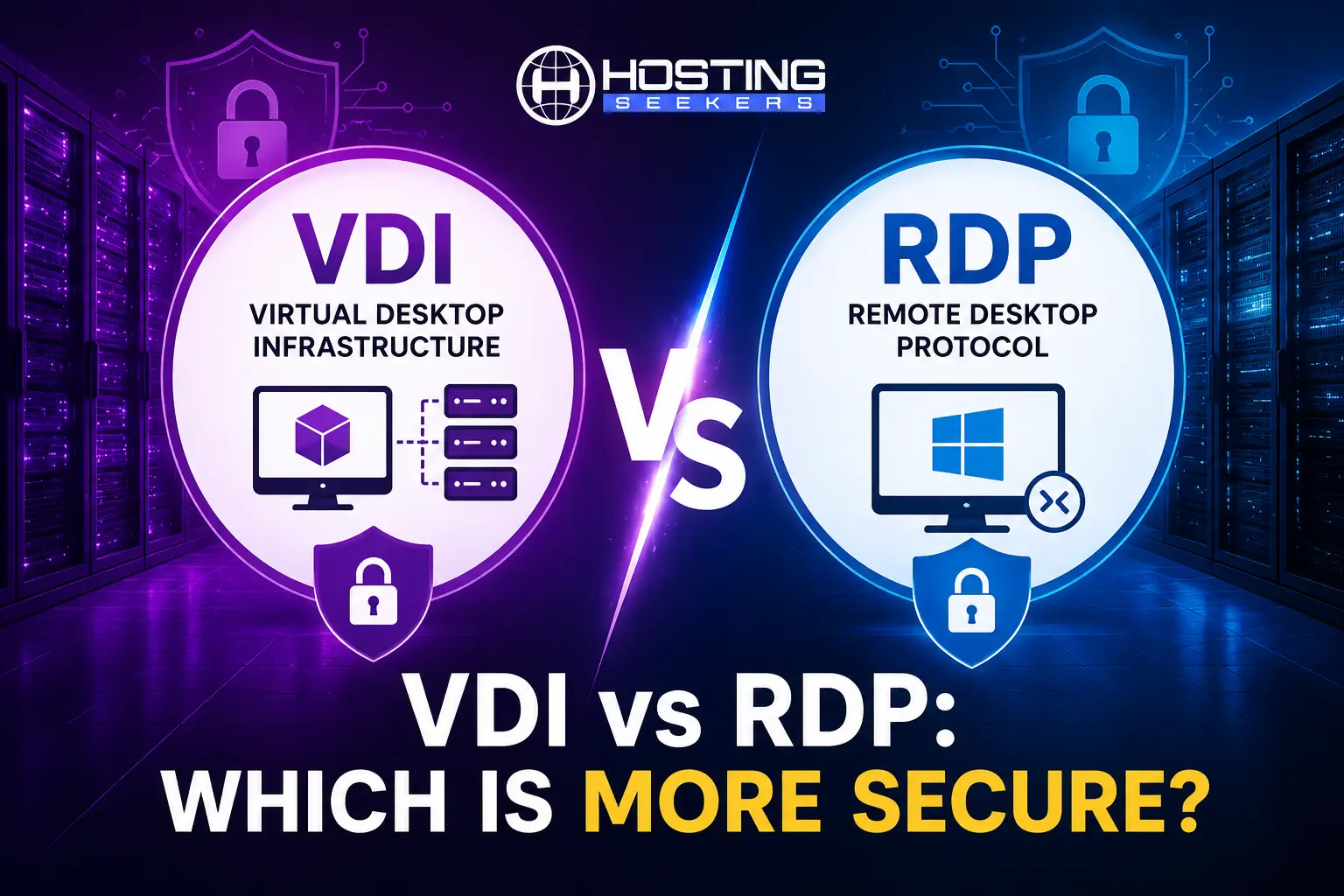
VDI vs RDP: Which Is More Secure? Key Differences Explained
Comparison Published on : July 2, 2026Every business that supports remote teams eventually asks the same question: what is more secure VDI vs RDP? While both technologies enable remote access to desktops and applications, they differ significantly in how they handle data protection, user isolation, encryption, and overall attack surface. Understanding these differences is critical for organizations that want to minimize cybersecurity risks while maintaining productivity.
If your priority is protecting sensitive business data, supporting hybrid teams, or reducing cyber risks, understanding the differences between VDI and RDP is essential. Here we will compare both technologies across various parameters to help you decide which remote access solution best fits your organization’s needs.
Quick Answer
VDI is generally more secure than traditional RDP because applications and data remain inside a centralized virtual environment instead of individual devices. While RDP can be secured using VPNs, MFA, and proper configurations, VDI offers stronger isolation, centralized management, and reduced data exposure for organizations handling sensitive information.
What Is VDI (Virtual Desktop Infrastructure)?
Virtual Desktop Infrastructure (VDI) is a virtualization technology that hosts desktop operating systems on centralized servers within a data center or cloud environment. Users connect to these virtual desktops over the internet using thin clients, laptops, or mobile devices. Instead of storing files locally, business data remains within the centralized infrastructure, allowing IT administrators to manage updates, security policies, backups, and user permissions from a single location.
Key Benefits
- Centralized desktop management
- Better data security
- Easy software deployment
- Supports BYOD environments
- High scalability
- Disaster recovery capabilities
What Is RDP (Remote Desktop Protocol)?
Remote Desktop Protocol (RDP) is Microsoft’s proprietary protocol that enables users to remotely access another Windows computer over a network. Rather than creating a virtual desktop environment, RDP connects users directly to an existing physical or virtual Windows machine. It is widely used for remote administration, troubleshooting, and accessing office computers from home.
Key Benefits
- Easy to deploy
- Low infrastructure cost
- Native Windows support
- Ideal for small businesses
- Minimal hardware requirements
In short: VDI is an architecture built around isolated virtual machines, while RDP is the protocol used to remotely control a desktop or server, sometimes inside that VDI architecture and sometimes on its own.
VDI vs RDP – Comparison Table
| Factor | VDI | RDP |
|---|---|---|
| Isolation | Dedicated VM per user; strong containment | Often shared sessions on one server; weaker containment |
| Default Attack Surface | Hidden behind broker, gateway, or VPN | Directly exposed if port 3389 is open to the internet |
| Data Residency | Data stays in the data center | Data stays on the host, but redirection features can leak it |
| Patch Management | Centralized master image, easier to keep current | Per-server patching; more prone to configuration drift |
| Authentication | MFA + conditional access via gateway, commonly enabled | NLA + MFA available, but often not enforced |
| Setup Complexity | Higher; requires hypervisor, storage, and networking | Lower; built into most Windows versions |
| Upfront Cost | Higher (servers, storage, licensing) | Lower (uses existing hardware and Windows licensing) |
| Best Fit | Regulated industries, large remote teams, sensitive data | Small teams, IT administration, single-machine remote support |
VDI vs RDP Security Comparison
Security is not a single feature; it is the sum of isolation, attack surface, patching discipline, authentication, and how data is stored. Here is how VDI and RDP compare across each of those dimensions.
1 – Isolation: Dedicated VMs vs Shared Sessions
VDI’s biggest structural advantage is isolation. Each user runs inside their own virtual machine, so a malware infection, a misbehaving application, or a compromised session is generally contained to that single VM and does not automatically spread to other users or to the host hypervisor.
RDP, especially when deployed through Remote Desktop Services, often has multiple users sharing the same Windows Server instance. If that shared host is compromised, every session running on it is potentially exposed at once, which is a meaningfully higher blast radius than a single VDI desktop going down.
2 – Attack Surface: What’s Actually Exposed to the Internet
RDP uses TCP port 3389 by default, making it a common target for automated scans and brute-force attacks when exposed directly to the internet. Cybercriminals often exploit weak passwords, unpatched systems, or misconfigured RDP servers to gain unauthorized access and deploy ransomware. Protecting RDP with a VPN, gateway, or Zero Trust access significantly reduces these risks.
VDI environments are typically accessed through a broker, gateway, or VPN rather than exposing the desktop protocol directly, which removes that obvious target from the public internet by design.
3 – Data Residency and Endpoint Risk
With VDI, business data lives on the server and never has to be copied to the local device; only screen pixels and input signals cross the network. That means a lost laptop, a stolen phone, or a malware-infected home PC carries far less risk, because there is no local copy of company files to steal.
RDP behaves similarly in terms of screen-only transmission, but because RDP sessions frequently allow drive, clipboard, and printer redirection between the client and host, it is easier for data to leak from the server to the local endpoint (or vice versa) if those redirection features are not explicitly restricted.
4 – Patch Management and Configuration Drift
Centralized management is a security control.
VDI lets IT teams patch a master image once and push it across every virtual desktop, so configuration drift and missed updates are far less likely.
RDP servers, especially smaller or self-managed ones, often lag on patches, particularly if a long-lived server is used instead of regularly rebuilt images. This lack of patching has led to significant vulnerabilities, prompting security advisories to recommend against exposing RDP directly to the internet without additional controls.
5 – Authentication and Encryption
Both technologies support strong authentication, but the application differs.
VDI access is usually gated behind a broker or gateway that supports multi-factor authentication (MFA) and conditional access policies before a user even reaches their desktop.
Modern RDP features like Network-Level Authentication (NLA), TLS encryption, and multi-factor authentication (MFA) are optional and not automatically enabled. Many breaches can be linked to RDP servers with NLA disabled, unconfigured MFA, or reused weak local administrator passwords.
Performance and User Experience
VDI centralizes processing on powerful data center hardware, which means consistent performance regardless of the user’s local device, but it depends heavily on network bandwidth and latency. A slow or unstable internet connection will degrade the experience, since every screen update must travel over the network.
RDP performance is influenced by the host machine; a direct connection to a well-equipped workstation offers near-local responsiveness. It uses less bandwidth than full desktop virtualization. But on shared RDS servers, multiple concurrent users can lead to significant slowdowns during peak times due to limited CPU and memory resources.
Cost Comparison
RDP is a cost-effective option for remote access, especially for businesses with Windows Server or Pro licenses. In contrast, VDI requires substantial investment in software, storage, and OS licensing, making it pricier for large teams.
However, VDI’s centralized management can reduce IT support costs over time, benefiting organizations with many remote users. For small teams, RDP is generally cheaper, but for larger teams dealing with sensitive data, VDI typically offers more long-term savings and better security.
VDI vs RDP: Which One Should You Choose?
| ✔ Choose VDI if You | ✔ Choose RDP if You |
|---|---|
| Handle sensitive customer or financial data | Have a small business or startup |
| Need centralized security controls | Need occasional remote access to office PCs |
| Support large remote or hybrid teams | Have limited IT resources |
| Require regulatory compliance | Want a lower-cost solution |
| Want scalable desktop management | Do not require enterprise-grade desktop virtualization |
How to Secure RDP If You Are Using It?
If RDP fits your use case, these steps close most of the gaps that lead to breaches:
- Never expose port 3389 directly to the public internet; put RDP behind a VPN, RD Gateway, or zero-trust access layer
- Enable Network-Level Authentication (NLA) so users authenticate before a session is established
- Require multi-factor authentication (MFA) on every remote login, not just strong passwords
- Apply OS and security patches on a fixed schedule, and subscribe to vendor advisories for new RDP vulnerabilities
- Use account lockout policies and monitor failed login attempts to catch brute-force attempts early
- Restrict clipboard, drive, and printer redirection unless a specific workflow genuinely needs it
- Run RDP on a properly secured, regularly backed-up server, ideally a hardened VPS or dedicated server rather than a repurposed desktop
Choosing the Right Hosting Infrastructure for VDI or RDP
Whichever path you choose, the security of VDI and RDP ultimately depends on the infrastructure underneath them. A VDI deployment is only as secure as the data center hosting its virtual machines, and an RDP server is only as secure as the network and patch management around it.
Before deploying either, it’s worth evaluating hosting providers on a few non-negotiables: built-in DDoS protection, SSD/NVMe storage with redundancy, 24/7 monitoring, and a track record of fast patch turnaround on Windows Server environments.
If you are comparing providers for a self-managed RDP or VDI server, HostingSeekers’ VPS hosting directory lets you filter providers by RAM, CPU, storage type, security measures, and Windows/Linux support, making it easier to compare providers and choose the right infrastructure.
Summing Up
VDI and RDP both provide remote access to desktops and applications but originate from different security foundations. VDI, with its isolated virtual machines and centralized data, is generally more secure, especially for companies managing sensitive information or large remote teams. Although RDP can also be highly secure by using NLA, MFA, VPN access, and consistent patching, it requires careful configuration and ongoing maintenance.
The effectiveness of either technology depends on the team’s capability to maintain it and the security of the underlying infrastructure, as neither can safeguard data on inadequately secured servers.
Frequently Asked Questions
Q1. Is VDI more secure than RDP?
Ans. Yes, VDI is generally considered more secure because it centralizes data, isolates user sessions, simplifies security management, and reduces the risk of data loss from endpoint devices.
Q2. Can RDP be secure?
Ans. Yes, RDP can be secure when protected with multi-factor authentication, VPNs or Zero Trust access, strong passwords, network-level authentication, regular patching, and restricted internet exposure.
Q3. Which is cheaper: VDI or RDP?
Ans. RDP is usually less expensive because it relies on existing Windows systems and requires less infrastructure. VDI involves virtualization platforms, servers, storage, and management tools, resulting in higher upfront costs.
Q4. Is VDI faster than RDP?
Ans. Performance depends on network conditions and workload. VDI generally provides a more consistent experience for enterprise users and graphics-intensive applications, while RDP performs well for standard office tasks in smaller environments.
Q5. Does VDI replace RDP?
Ans. Not entirely; many VDI platforms still use remote display protocols to deliver virtual desktops. VDI is a complete desktop virtualization architecture, whereas RDP is primarily a protocol for remote desktop access.

manvinder Singh
https://www.hostingseekers.com
Manvinder Singh is the Founder and CEO of HostingSeekers, an award-winning go-to-directory for all things hosting. Our team conducts extensive research to filter the top solution providers, enabling visitors to effortlessly pick the one that perfectly suits their needs. We are one of the fastest growing web directories, with 500+ global companies currently listed on our platform.