Best VMware Migration Tools in 2026: A Complete Guide for IT Teams
IT Published on : October 12, 2026Few infrastructure decisions have carried as much urgency in recent years as the question of what to do about VMware. Broadcom announced the end of perpetual VMware licensing in December 2023, with subscription-only sales following in early 2024. The changes that came after, including consolidation of the product line into a small set of bundles, a 72-core minimum purchase that took effect in April 2025, and a 20 percent penalty for late subscription renewals, turned what used to be a long-term strategic conversation into an active line item on most IT roadmaps.
By 2026, the question is less about whether to evaluate alternatives and more about which migration tooling will move workloads safely, with the least downtime and the lowest operational risk. This guide walks through the main categories of VMware migration tools, what each is good at, and how to match them to your target platform.
Understanding What a Migration Tool Actually Does
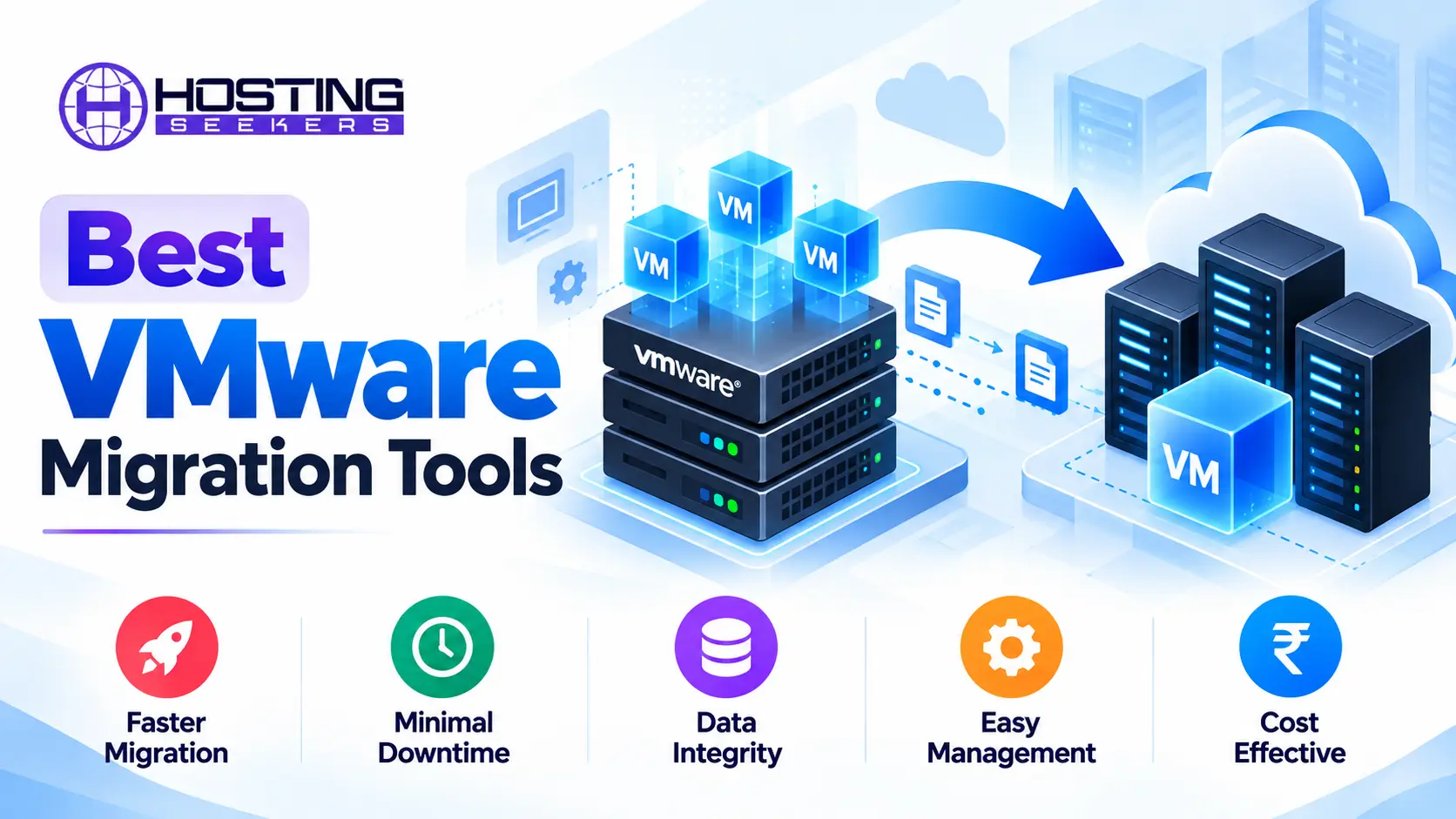
A VMware migration tool moves virtual machines, their disks, and their configuration from a VMware environment to another platform, whether that is another hypervisor, a public cloud, or a private cloud stack. The harder part of the job is everything around the copy: translating virtual disk formats such as VMDK into the target’s format, swapping VMware-specific drivers for the right ones on the destination, preserving network settings, and keeping the cutover window short.
It also helps to separate the migration itself from the work that follows it. Moving the VMs is only the first phase of a VMware exit. Backup, monitoring, disaster recovery, and security tooling all have to be re-established on the new platform, and those choices usually stay in your stack far longer than the migration tools do.
Platform-Native Migration Tools
For most teams leaving VMware, the first place to look is the tooling built into the destination platform, because it is typically free, well supported, and designed around that platform’s quirks. Platform-native importers such as Proxmox’s built-in importer, Nutanix Move, and Hyper-V’s migration utilities sit alongside open-source command-line tools like virt-v2v and qemu-img.
Public Cloud Migration Services
If the goal is to leave the data center entirely, the hyperscalers each offer their own migration service, and it helps to compare cloud infrastructure companies before settling on a target environment. Azure Migrate provides discovery, assessment, and replication for moving VMware VMs into Azure virtual machines. AWS Application Migration Service performs continuous block-level replication of source servers into EC2, and Google Cloud’s Migrate to Virtual Machines does the equivalent for Compute Engine. These tools shine when you want to re-platform onto native cloud instances and are comfortable retiring the on-premises footprint.
VMware’s Own Tools
VMware’s native tooling still has a role, especially when the destination is another VMware environment or a VMware-based cloud. HCX is a large-scale mobility platform, designed for workload movement across on-premises and cloud environments, and it supports bulk migration as well as live moves between sites. Because it is built for moving between VMware environments rather than out of VMware, and because access depends on Broadcom’s current licensing and packaging, HCX is covered here but left out of the Top 10 table below. vMotion handles live movement between hosts within a cluster.
vCenter Converter Standalone remains a free option for converting physical machines and other hypervisors’ VMs into VMware format, and it is currently at version 6.6.0. It is downloaded through a free account on the Broadcom support portal, though it is aimed at moving into VMware rather than out of it. These tools matter mainly for consolidation, hardware refreshes, and staged transitions rather than for a full exit.
Third-Party and Backup-Based Tools
A third group of tools treats migration as an extension of data protection. Backup platforms such as Veeam can restore a VMware backup directly onto another hypervisor or into a cloud, which turns a restore into a low-risk migration path and lets you test the process repeatedly without touching production. Stormare takes a similar approach, using existing VMware backups as the migration source for moves to OpenStack-based platforms. The appeal is that the same product protects the workload before, during, and after the move, which reduces the number of tools your team has to learn. Replication-focused products such as Zerto and OpenText Migrate take a different route, keeping a live copy of the workload in sync so the cutover itself is brief.
Top 10 VMware Migration Tools in 2026
The tools below are grouped by destination type and are not ranked in order of quality. We selected them for how directly they support moving workloads out of VMware, how widely they are used, and how well their capabilities are documented. Other tools discussed in this guide, including HCX, Google Cloud Migrate to Virtual Machines, Storware, virt-v2v, qemu-img, and vCenter Converter Standalone, are covered in the sections above but are not part of the table.
| Tool | Target Platform | Downtime Type | Cost Model | Best For |
|---|---|---|---|---|
| Nutanix Move | Nutanix AHV | Replication | Included with Nutanix | Teams landing on AHV |
| Proxmox VE Import Wizard | Proxmox VE | Cold migration | Free; optional paid support subscription | Small and mid-sized migrations |
| Red Hat Migration Toolkit for Virtualization | OpenShift Virtualization | Cold and warm | Included with Red Hat OpenShift subscription | Batch migrations to Kubernetes-based platforms |
| Azure Migrate | Microsoft Azure | Replication | No tool charge; server migration free for 180 days per machine, then about $25 per month per machine; Azure resources billed separately | Windows Server estates |
| AWS Application Migration Service | AWS (EC2) | Continuous replication | Free for 90 days per server, then hourly charges; EC2 and storage billed separately | Mixed estates heading to AWS |
| Veeam Backup and Replication | Other hypervisors and public clouds | Restore-based (cold) | Paid license, typically per workload | Existing Veeam customers |
| Zerto | Other hypervisors and public clouds | Continuous replication | Paid, per-VM license | Business-critical applications |
| OpenText Migrate | Other hypervisors and public clouds | Continuous replication | Paid commercial license | Mixed physical and virtual estates |
| Windows Admin Center VM Conversion | Hyper-V | Warm conversion (delta sync, then short cutover) | Free | Windows-centric teams |
| Vates Xen Orchestra | XCP-ng | Cold import | Free open-source build; paid support subscription | Open-source-focused teams |
Honorable mentions: HPE Morpheus VM Essentials, Scale Computing, Platform9 and other OpenStack paths, Oracle OLVM, Proxmox Datacenter Manager, and backup-based migration through Commvault, Cohesity, and Rubrik are also worth evaluating, depending on your destination.
1. Nutanix Move
Nutanix Move is the purpose-built migration tool for organizations landing on Nutanix AHV. It connects to vCenter or ESXi, discovers the VMs in your environment, and lets you group them into migration plans. Data is replicated to the target ahead of time, so the final cutover is a short, scheduled window rather than a long outage. It can also migrate from sources beyond VMware, including Hyper-V and public clouds, and it handles tasks such as injecting the right drivers and preserving network configuration during the move.
✓ Pros
- Its discovery and planning workflow is clean and easy to follow, even for teams new to AHV.
- Pre-replication keeps cutover downtime short and predictable.
- It is included with Nutanix at no separate licensing cost.
✕ Cons
- Adopting it usually means committing to the wider Nutanix platform and its licensing model.
- Guest operating system support is bounded by the Nutanix compatibility list, so older or unusual guests may need manual conversion.
- Pre-seeding many VMs at once can strain replication bandwidth, so large waves need network and storage planning.
2. Proxmox VE Import Wizard
Proxmox has become one of the most popular destinations for small and mid-sized teams leaving VMware, and its built-in import wizard is a large part of the reason. It connects directly to an ESXi host or vCenter, lists the available VMs, and pulls them across while converting disks and basic hardware settings along the way. Because it is built into the Proxmox web interface, there is nothing extra to install, and the same console you use to run the new environment also runs the migration.
✓ Pros
- It is free and built into the platform.
- It keeps migration and day-to-day management in one interface.
- It makes small and mid-sized migrations genuinely simple.
✕ Cons
- It lacks wave planning and orchestration for large programs.
- There is no continuous replication, so cutover windows can be longer for busy systems.
- Support is community-driven unless you purchase a subscription.
3. Red Hat Migration Toolkit for Virtualization
For organizations moving to OpenShift Virtualization, the Migration Toolkit for Virtualization is the central tool. It connects to vCenter, maps VMware networks and storage to the target cluster, and supports both cold and warm migrations. Teams define migration plans that run VMs in batches, which suit structured, repeatable programs. It is designed for organizations that want virtual machines and containers to live side by side on one Kubernetes-based platform.
✓ Pros
- It fits organizations that want VMs and containers on one platform.
- It supports structured, repeatable batch migration plans.
- Red Hat provides an enterprise support path.
✕ Cons
- There is a steep learning curve for teams used to vCenter.
- It commits you to a larger platform decision than a simple hypervisor swap.
- Subscription costs may be hard to justify for smaller teams.
4. Azure Migrate
Azure Migrate is Microsoft’s central hub for discovering, assessing, and migrating VMware workloads into Azure. A lightweight appliance inventories your VMware environment, then assessment features estimate costs and recommend right-sized Azure VM configurations. The same service handles replication and cutover, so planning and execution happen in a single place. It is especially well suited to Windows Server estates and other Microsoft workloads.
✓ Pros
- It combines assessment and migration in one service.
- The Azure Migrate tools carry no additional charge, and server migration is free for the first 180 days per machine, after which Microsoft lists about $25 per month per replicated machine. Storage and data transfer during replication are billed separately.
- It integrates tightly with Windows Server and other Microsoft workloads.
✕ Cons
- The Azure resources you consume afterward can produce surprising bills if sizing is not reviewed.
- The appliance-based setup adds a deployment step before anything can move.
- Agent-based replication for some VMware scenarios adds setup effort that grows with the size of the estate.
5. AWS Application Migration Service
AWS Application Migration Service performs continuous block-level replication of source servers into EC2. An agent or agentless connector keeps source and target synchronized until you are ready to cut over, and you can launch test instances at any point to validate a server before committing. It works across physical, virtual, and other cloud sources, which makes it a good fit for mixed estates heading to AWS. Each source server gets 90 days (2,160 hours) of free replication, after which hourly charges apply. AWS now also refers to the service as AWS Transform MGN.
✓ Pros
- Continuous replication keeps cutover downtime low.
- Test launches let you validate servers before committing.
- Broad source coverage suits mixed environments.
✕ Cons
- Servers that are not cut over within the 90-day free period start incurring hourly replication charges, so stalled projects get expensive.
- It performs a lift-and-shift rather than modernizing anything, so workloads may cost more until they are right-sized.
- Teams need working knowledge of AWS networking and identity configuration to set it up properly.
6. Veeam Backup and Replication
Veeam is already deployed in many organizations, which makes it a convenient migration route. Its restore features let you take a VMware backup and recover it onto another hypervisor or into a public cloud, including Hyper-V, Nutanix AHV, and Proxmox VE, turning a routine recovery feature into a repeatable migration path. Because the process starts from backups rather than live systems, it can be rehearsed as many times as needed before the real cutover.
✓ Pros
- Migrations can be tested repeatedly without touching production.
- The same product protects workloads on the new platform.
- Existing Veeam customers need no new tooling.
✕ Cons
- Restore-based moves usually involve longer downtime than continuous replication.
- Targets depend on your Veeam version, and some, such as Nutanix AHV, require an additional plug-in on the backup server, so check the compatibility list before planning.
- Organizations without Veeam would be buying a full backup product just to migrate.
7. Zerto
Zerto uses journal-based continuous replication, which records changes continuously and lets you recover or cut over to a point in time with very little data loss. It supports moves from VMware to other hypervisors and to public clouds, and it lets you test a failover in an isolated network before the real cutover. That combination makes it a strong choice for business-critical applications that cannot afford more than a few minutes of downtime.
✓ Pros
- It delivers very low downtime and data loss.
- Failover testing in an isolated network builds confidence before cutover.
- Its disaster recovery capabilities remain useful after migration.
✕ Cons
- Per-VM licensing can be expensive across a large estate.
- It adds infrastructure components to deploy and manage.
- It can be more tool than you need for development and internal workloads, where a simple cold migration would do.
8. OpenText Migrate
OpenText Migrate, formerly known as Carbonite Migrate, uses continuous replication to keep a copy of a workload in sync on the target platform. It supports physical, virtual, and cloud sources, which makes it a practical option for mixed estates, and it lets teams test a cutover before committing it. It is a natural alternative to Zerto when low downtime matters but a physical-server component is part of the project.
✓ Pros
- Continuous replication keeps cutover downtime short.
- It handles physical, virtual, and cloud sources in one tool.
- Cutovers can be tested before committing.
✕ Cons
- Paid licensing adds cost across a large estate.
- It generally relies on software installed on each source server, which adds rollout effort.
- It has fewer independent guides and community examples than the hyperscaler tools.
9. Windows Admin Center VM Conversion
For Windows-centric organizations heading to Hyper-V, the VM Conversion extension in Windows Admin Center offers a guided, no-cost path. It walks administrators through selecting VMware VMs, converting them, and bringing them up on Hyper-V. It uses change block tracking to copy data while the source VM keeps running, then runs a final delta sync during a short shutdown. Since the public preview launched in August 2025, the extension has added static IP preservation, bulk migration of up to 10 VMs at a time, and automatic removal of VMware Tools from Windows guests, which take care of two of the most common post-migration headaches. Microsoft’s documentation still labels the extension a preview, so confirm its status before you plan around it.
✓ Pros
- It is free and easy to learn.
- It automatically handles common Windows cleanup tasks such as removing VMware Tools.
- Static IP preservation reduces post-migration reconfiguration.
✕ Cons
- It suits modest batches rather than large, coordinated programs.
- Linux guests need Hyper-V drivers installed before migration, and only selected distributions are supported.
- It is still a preview feature, so support commitments and behavior may change.
10. Vates Xen Orchestra
Xen Orchestra is the management platform for XCP-ng, the open-source Xen-based hypervisor. It includes a built-in feature for importing VMs from VMware and converting them during the process, so migration and daily management share one interface. It appeals to teams that want an open-source stack with optional commercial support at a cost well below traditional enterprise virtualization.
✓ Pros
- It keeps migration and management in a single interface.
- The open-source stack offers optional commercial support.
- Overall costs are typically well below traditional enterprise virtualization.
✕ Cons
- XCP-ng has a smaller ecosystem of integrations and experienced administrators.
- Imports are cold, so busy systems face a longer outage window.
- Large-scale orchestration features are less mature than those of enterprise-focused tools.
How to Choose the Right Tool
1. Choose Based on the Target Platform
The most reliable way to choose is to work backwards from the destination. If you are moving to Nutanix, Proxmox, Hyper-V, or OpenShift, start with that platform’s native tooling and add third-party products only where it falls short. If you are heading to a public cloud, use Azure Migrate or AWS Application Migration Service for the heavy lifting and pair AWS moves with a third-party dependency-mapping tool such as Faddom or Device42 for planning. Azure Migrate includes its own dependency analysis for Azure moves. If you run a mixed estate, expect to use several tools, and weigh the added operational overhead against the cost of any single paid product.
2. Consider Downtime, Scale, and OS Compatibility
Beyond the destination, three practical factors tend to decide the outcome. The first is downtime tolerance: replication-based tools such as Zerto suit customer-facing and critical systems, while simple cold migration is perfectly adequate for development and internal workloads.
The second is scale, since scripting and orchestration become far more valuable at hundreds of VMs than at twenty. For large or business-critical environments, working with experienced migration and deployment companies can reduce risk and keep downtime short alongside the tools covered above.
3. Planning Tips That Apply to Every Tool
Whatever you choose, a few steps are universal. Take full backups before touching anything and test the process on non-critical VMs first. Document static IP addresses, DNS settings, and any licensing tied to hardware identifiers. Plan for removing VMware Tools and installing the right drivers, such as VirtIO on KVM-based platforms, since leftover source-specific drivers are a classic cause of boot failures and network problems.
Keep the source environment intact until the new workloads have run cleanly for a meaningful period so that rollback stays possible. A phased migration that starts with lower-risk workloads, builds team confidence, and then tackles critical systems is almost always safer than a single large cutover.
Final Thoughts
There is no single best VMware migration tool in 2026, only the best fit for a given destination, timeline, and risk tolerance. Platform-native tools cover most on-premises moves at no extra cost; cloud provider services handle the move to public infrastructure, and replication and backup-based tools add safety for the most demanding workloads.
Choose the destination first, match the tooling to it, pilot on low-stakes workloads, and treat backup, monitoring, and recovery on the new platform as part of the same project rather than an afterthought.
Frequently Asked Questions
Q1. What are VMware migration tools?
Ans. They are software products that move VMs, disks, and configuration from VMware to another hypervisor or cloud, handling disk conversion, drivers, networking, and cutover.
Q2. Why are organizations leaving VMware in 2026?
Ans. Broadcom’s licensing changes, including the end of perpetual licensing in early 2024, the 72-core minimum purchase that followed in April 2025, and steep renewal increases reported by many customers, pushed many teams to evaluate alternatives.
Q3. What is the best VMware migration tool?
Ans. There is no single best tool, because it depends on the destination. Use Nutanix Move for AHV, the Proxmox import wizard for Proxmox, Azure Migrate or AWS Application Migration Service for the cloud, and Zerto or OpenText Migrate for critical workloads.
Q4. Are there free VMware migration tools?
Ans. Yes. The Proxmox import wizard, Windows Admin Center VM Conversion, Nutanix Move, and virt-v2v are all free. Azure Migrate and AWS Application Migration Service are free for a limited period per machine. The qemu-img utility is also free, but it only converts disk images and does not handle discovery, replication, or cutover.
Q5. Can I migrate with zero downtime?
Ans. Rarely. Replication tools like Zerto and OpenText Migrate cut downtime to a few minutes, while cold migration and restore-based methods take longer.
Q6. How long does a VMware migration take?
Ans. A small estate can move in weeks, while large enterprise programs can take many months, mostly due to planning and testing.
Q7. What should I do before migrating?
Ans. Map dependencies, take full backups, document IP and DNS settings, and test non-critical VMs first.

manvinder Singh
https://www.hostingseekers.com
Manvinder Singh is the Founder and CEO of HostingSeekers, an award-winning go-to-directory for all things hosting. Our team conducts extensive research to filter the top solution providers, enabling visitors to effortlessly pick the one that perfectly suits their needs. We are one of the fastest growing web directories, with 500+ global companies currently listed on our platform.