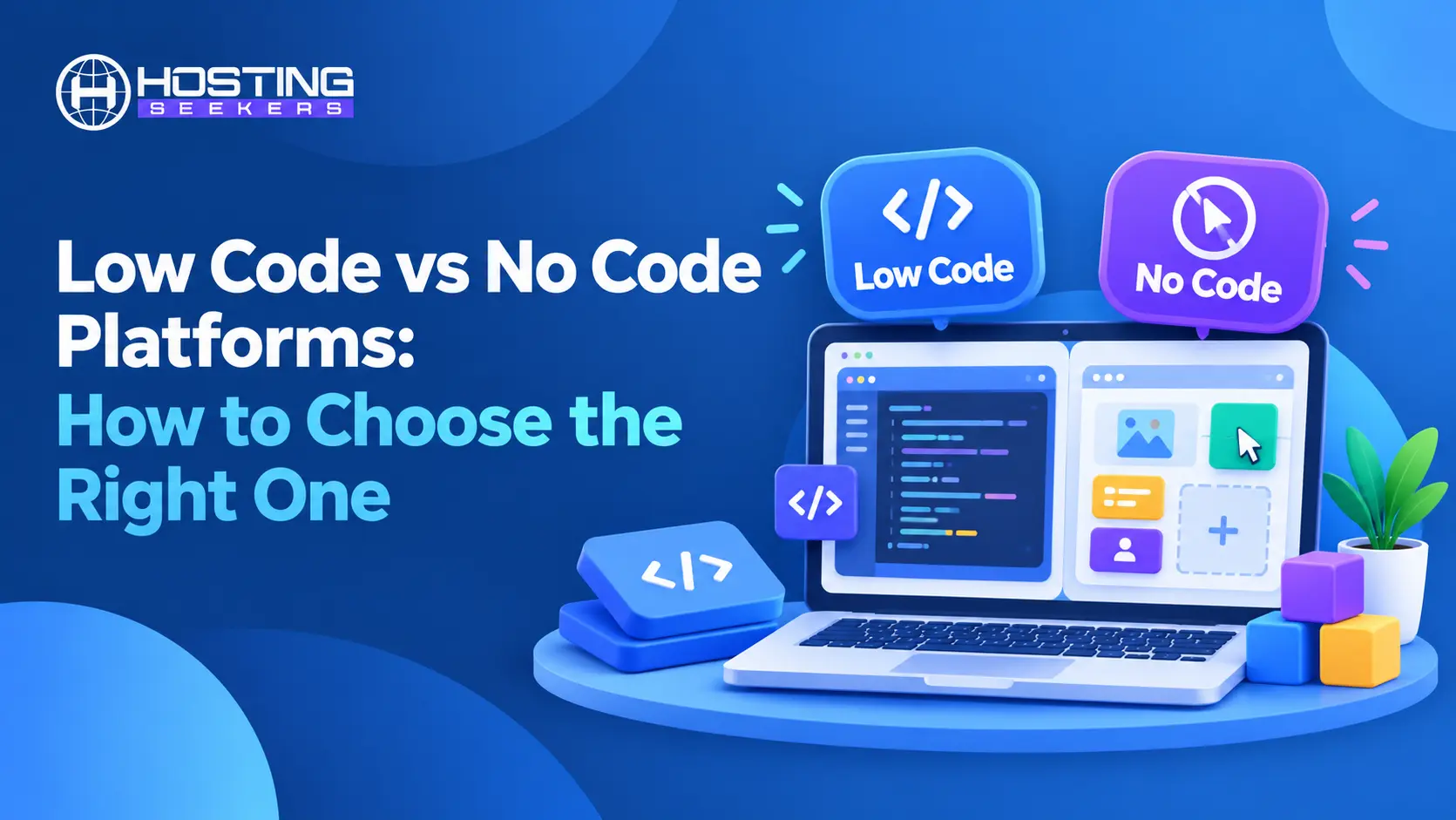
Choosing between low-code and no-code comes down to three things: how complex your application is, how much technical skill your team has, and how far you expect the project to grow. No-code platforms suit simple, fast projects built by people who do not write code. Low-code platforms suit custom, scalable applications built by teams with at least some development capability.
Most of the confusion around the two comes from treating them as rivals when they are really sitting on the same spectrum, with traditional full-code development at the far end. This guide explains what each approach means, how they differ in practice, and how to choose with a clear, repeatable process. It also covers the hosting and deployment side of the decision, which many comparisons skip even though it affects cost, control, and compliance.
Quick Decision Guide
Choose no-code if:
- Nobody on your team writes code, and you need a working tool fast.
- Your project is a prototype, MVP, internal tracker, or simple workflow.
- You want the lowest entry cost and minimal maintenance.
Choose low code if:
- You have developers or technically confident team members.
- You need custom logic, complex integrations, or larger data volumes.
- You expect the application to grow into a long-term business system.
What is Low Code?
Low-code development uses visual tools such as drag-and-drop builders, pre-built components, and workflow designers to assemble most of an application while still letting developers write custom code where the visual tools fall short. A developer might build a data model and the interface visually, then add a few lines of JavaScript or a custom API call to handle a business rule that no ready-made component supports. The result is an application that is built much faster than one coded from scratch but is not limited to what the platform ships out of the box.
Because some coding is still part of the process, low-code platforms assume a baseline of technical understanding. Users should be comfortable with ideas like APIs, databases, and basic scripting. That requirement is also the source of the approach’s strength: the ability to drop into code means the platform rarely becomes a hard ceiling. Well-known low-code platforms include Microsoft Power Apps, Appian, Zoho Creator, Kissflow, Budibase, and Appsmith. Enterprises tend to favor them for internal tools, case management, and workflow automation, where requirements are specific, and integrations with existing systems matter.
The trade-offs are real. Low-code platforms often cost more than no-code alternatives, take longer to learn, and still need someone who understands the code that sits underneath. Teams without any technical resources often find that the flexibility they paid for goes unused.
What is No Code?
No-code development removes programming from the process entirely. Users build applications, websites, or automated workflows by selecting pre-built elements, configuring settings, and connecting data sources through a visual interface. Nothing needs to be written, and nothing needs to be debugged in the traditional sense. A marketing manager, an operations lead, or a small business owner can build something useful without involving a developer at all.
That accessibility is the main appeal. No-code tools are typically the fastest and cheapest route from an idea to a working product, which makes them popular for prototypes, minimum viable products, internal trackers, simple customer portals, and business automation. Familiar examples include Bubble for web and mobile apps, Webflow for websites, Airtable for databases and collaborative apps, Softr and Glide for apps built on top of existing data, and Zapier for connecting different apps into automated workflows.
The limits appear as requirements grow. A no-code platform can only do what its builders anticipated, so unusual logic, heavy customization, or complex integrations can hit a wall. You are also tied to the vendor: your application lives inside their environment, follows their pricing, and changes when their product changes, for a quick internal tool at a fair price. For a core business system, it deserves serious thought.
Low Code vs No Code: Key Differences
The most obvious difference is the level of coding involved. Low code expects some, and no code expects none. Almost every other difference follows from that single point.
| Factor | Low Code | No Code |
|---|---|---|
| Coding requirement | Some coding knowledge needed for customization | No coding knowledge needed |
| Target users | Developers and technically confident team members | Business users, marketers, and non-technical teams |
| Speed and learning curve | Fast, with a steeper learning curve | Fastest for simple needs, with minimal learning |
| Customization | High, since custom code can be added when needed | Limited to what the platform’s built-in options allow |
| Complexity handled | Complex logic, unusual integrations, larger data volumes | Simple to moderately complex workflows and apps |
| Cost | Often higher licensing costs (open-source options like Budibase and Appsmith can be self-hosted) and technical staff needed | Lower entry cost and no developer salaries |
| Scalability | Scales more predictably | May struggle as users, data, or complexity grow |
| Maintenance | More control but more upkeep responsibility | Easy to update with little technical upkeep |
| Governance and security | Usually IT-controlled, so oversight is easier to centralize | Citizen developer risk, since non-technical staff can build and deploy apps without review |
Speed and Ease of Learning
Speed and ease of learning favor no-code. A non-technical user can often have a working workflow or simple app running within hours, while a low-code platform has a steeper learning curve and typically involves a developer or at least a technically confident team member. Both are dramatically faster than building from scratch, but no-code is faster still for straightforward needs.
Customization and Complexity
Customization and complexity favor low-code. Because custom code can be added when needed, low-code platforms handle sophisticated business logic, unusual integrations, and larger data volumes more comfortably. No-code platforms offer a wide range of customization within their own boundaries, but those boundaries are fixed by the vendor.
Cost
Cost depends on how you measure it. No-code tools generally have lower entry costs and need no developer salaries, which makes them very economical for small teams. Low-code platforms often carry higher licensing costs and require technical staff, but they can prove more economical for complex systems that would otherwise need to be rebuilt on a more capable platform. Pricing structures also vary widely, with some vendors charging per user, others per application or per automated task, so the real cost at scale should always be checked against current vendor pricing rather than assumed.
Scalability and Maintenance
Scalability and maintenance also differ. No-code applications are easy to update and require little ongoing technical upkeep, but they may struggle when user numbers, data volume, or complexity increase significantly. Low-code applications scale more predictably and give teams more control, though that control comes with more maintenance responsibility.
Governance and Security
Governance and security deserve a final note, because comparisons often oversimplify them. Neither approach is automatically more or less secure. Security depends on the platform’s certifications, access controls, and hosting model, and on how well the organization governs who builds what. This matters most with no-code, where “citizen developers” (non-technical employees who build their own apps) can create tools that hold sensitive data without IT ever reviewing them. A well-governed no-code platform from an established vendor can be safer than a poorly managed low-code deployment, and the reverse is equally true.
How to Choose Between Low Code and No Code
A structured process prevents the two most common mistakes: choosing a platform because it is popular and choosing one that cannot grow with the project. The following six steps work for most teams.
Step 1: Define the complexity and lifespan of the project
Start with what you are actually building. A simple approval workflow, a content calendar, or a basic customer directory is a natural fit for no-code. A system with multi-step business rules, role-based permissions, large datasets, or connections to several internal systems points toward low code. Also consider how long the application needs to last. A short-lived campaign tool or prototype can tolerate platform limits that a long-term operational system cannot.
Step 2: Assess your team’s technical skills
Be honest about who will build and maintain the application. If nobody on the team writes code and you have no access to developers, a low-code platform will frustrate more than it helps. If you have developers or technically capable analysts, no-code may feel restrictive, and a low-code platform will let them move quickly without hitting a ceiling. Remember that maintenance matters as much as the initial build, since the person who creates an application is not always the person who keeps it running.
Step 3: Check integrations and data requirements
List the systems your application needs to talk to, such as CRMs, accounting tools, databases, and authentication providers. Then verify that each platform supports those connections natively or through an API. No-code platforms with large integration libraries handle common business tools well, but niche or legacy systems often need custom connectors, which is where low-code earns its place. Also look at where your data will live, how much of it there will be, and whether the platform can handle that volume without slowing down.
Step 4: Evaluate scalability, security, and compliance
Ask what happens if the project succeeds. Can the platform handle ten times the users or data? Cloud consulting companies can help you plan for this. Does it offer the access controls, audit logs, and certifications your industry requires? If you handle regulated data, such as health, financial, or personal information, confirm that the vendor supports the necessary compliance standards before building anything. Discovering a compliance gap after launch is far more expensive than checking during selection.
Step 5: Compare real costs
Look beyond the headline subscription price. Consider per-user fees, limits on records or automated tasks, charges for additional environments, premium connectors, and the cost of the people needed to build and maintain the application. A platform that looks inexpensive for five users can become costly at fifty. Calculate the total cost at the scale you expect to reach in a year or two, not just at launch, and confirm figures against each vendor’s current pricing page.
Step 6: Plan for lock-in and exit
Every platform decision is also a decision about how hard it will be to leave. Check whether you can export your data in a usable format, whether the application logic can move elsewhere, and what happens if the vendor changes its pricing or shuts down a feature you depend on. Migration and deployment companies can help if you ever need to move. Open-source low-code platforms reduce this risk because you can self-host them and keep control of the stack, while proprietary no-code platforms generally mean your application lives and dies within the vendor’s ecosystem. Neither is wrong, but you should know which situation you are choosing.
Hosting and Deployment Considerations
Most no-code and many low-code platforms are fully managed, so the vendor runs the infrastructure and handles updates and security patches. That removes operational work, but your data sits on infrastructure you do not control, in regions and under pricing terms the vendor chooses. The alternative is self-hosting, which several open-source low-code platforms support. Budibase and Appsmith, for example, can be deployed on your own server using containers, giving you control over data location, security, and how costs scale. DevOps service companies can set this up if you lack in-house skills.
This suits organizations with data residency requirements, strict security policies, or a wish to avoid per-user pricing as the user count grows. Keep in mind that open-source platforms usually offer a free community edition, but enterprise features, advanced security controls, and vendor support often sit behind paid plans.
Self-hosting is not free of cost, though. You become responsible for backups, updates, monitoring, uptime, and security hardening, so it makes sense mainly for teams that already manage their own infrastructure. If your team lacks the time, server management companies can handle this for you. For everyone else, a managed service is usually the better choice, provided the vendor’s hosting location, uptime commitments, and compliance posture meet your needs.
If you do decide to self-host, the server you choose matters. Look for a VPS or cloud server that supports Docker, gives you root access, offers automated backups, and lets you pick a data center location that satisfies your residency requirements. A VPS hosting plan is often enough for a small team running a platform like Budibase or Appsmith, while cloud hosting suits workloads that need to scale up as usage grows. Treat this as part of the platform decision, not an afterthought.
Popular Low Code and No Code Platforms to Consider
The table below gives a one-line view of where each platform fits best. Features, limits, and pricing in this space change often, so treat it as a starting point and test two or three options with a small pilot project before committing.
| Platform | Type | Best For | Self-Host? |
|---|---|---|---|
| Microsoft Power Apps | Low code | Organizations already using Microsoft 365 | No |
| Appian | Low code | Enterprise process automation and case management | No |
| Zoho Creator | Low code | Workflow and form-based apps for mid-sized teams | No |
| Kissflow | Low code | Approachable workflow and process management | No |
| Budibase | Low code | Developers wanting open-source flexibility | ✔ Yes |
| Appsmith | Low code | Custom internal tools with open-source control | ✔ Yes |
| Bubble | No code | Versatile web and mobile applications | No |
| Webflow | No code | Designed, responsive websites | No |
| Airtable | No code | Spreadsheet-style databases with collaborative apps | No |
| Softr | No code | Client portals built on existing data | No |
| Glide | No code | Mobile-friendly apps from spreadsheets and data | No |
| Zapier | No code | Connecting apps through automated workflows | No |
Where AI App Builders Fit
A newer category of tools can generate a working application from a plain-language description, which is blurring the line between low-code, no-code, and full-code development. These AI app builders are useful for quick prototypes and for getting a first version in front of users, and they lower the barrier even further than traditional no-code tools. They do not remove the questions in this guide, though. Generated applications still need to be reviewed for security, tested at scale, hosted somewhere, and maintained by someone who understands what was built. Many teams use AI builders to draft an idea quickly and then move the proven concept to a low-code or full-code platform for long-term use.
Common Mistakes to Avoid
1. Choosing a Platform Based on Hype
A platform that works brilliantly for someone else’s project may be a poor match for you, and a short pilot with a real use case reveals far more than a feature checklist.
2. Ignoring Governance and Security
When anyone in an organization can build and deploy applications, unmanaged tools multiply quickly. Applications end up holding sensitive data without proper access controls, and nobody knows who is responsible for maintaining them. Setting clear rules about who can build what, how data is handled, and who owns each application prevents most of these problems.
3. Underestimating Future Growth
An application that starts as a simple tracker often becomes business-critical. If the platform cannot scale or the data cannot be exported, you face a costly rebuild at the worst possible moment. Thinking about where the project could be in two years costs little at the start and saves a great deal later.
4. Assuming One Platform Is Enough Forever
Many successful teams start with no code to validate an idea, then move to low code or full code once the concept proves itself and requirements become clearer. Starting simple and upgrading deliberately is often smarter than over-engineering from day one.
Conclusion
Choosing between low code and no code is less about which approach is superior and more about fit. No code gets simple applications into the hands of non-technical teams quickly and affordably. Low code gives technically capable teams the speed of visual development without the ceiling of a closed platform. Both sit alongside full-code development rather than replacing it.
Start with the project’s real complexity, be honest about your team’s skills, verify integrations and compliance early, compare costs at scale, and think about how you would leave before you commit. Add the hosting question to that list, because where your platform runs shapes your control, costs, and risk. Run a small pilot, learn from it, and let the project’s needs, not the platform’s marketing, decide the outcome.
Frequently Asked Questions
Q1. Is low code better than no code?
Ans. Neither is better in general. Low-code is better when you need customization, scalability, and complex integrations and have some technical capacity. No-code is better when speed, simplicity, and low cost matter most, and the requirements are straightforward.
Q2. Can no-code platforms replace developers?
Ans. Not entirely. No-code lets non-technical people build many useful tools without help, which frees developers from routine requests. But complex systems, performance-sensitive products, and deep integrations still need professional developers, and developers are often needed to govern and extend low-code platforms.
Q3. Are low-code and no-code platforms secure?
Ans. They can be, but it depends on the vendor and on how the platform is governed. Look for recognized security certifications, proper access controls, audit logging, and clear data handling policies, and make sure the platform meets any regulations that apply to your data.
Q4. Can I switch from no code to low code later?
Ans. Often yes, but the difficulty depends on how portable your data and logic are. Applications built on proprietary platforms may need to be rebuilt rather than migrated, so checking export options early makes any future move far easier.
Q5. Which is cheaper, low code or no code?
Ans. No-code usually has the lower starting cost, but total cost depends on pricing structure, scale, and the staff required. Compare costs at the size you expect to reach rather than at launch.
Q6. Can I self-host a low-code platform?
Ans. Yes, some open-source low-code platforms such as Budibase and Appsmith can be self-hosted on your own VPS or cloud server, usually using Docker. Self-hosting gives you control over data location and costs, but you become responsible for backups, updates, monitoring, and security.