10 Best NAS (Network Attached Storage) Devices to Consider in 2026
IT Updated on : March 27, 2026Network Attached Storage (NAS) devices have become vital for creators, businesses, and even home users who want secure, scalable, and high-performance data storage.
In 2026, NAS systems are more powerful than ever, providing AI features, faster networking (10GBE+), and better cloud integration. This guide explores the best NAS devices in 2026, along with their features, use cases, and more.
What is NAS (Network Attached Storage)
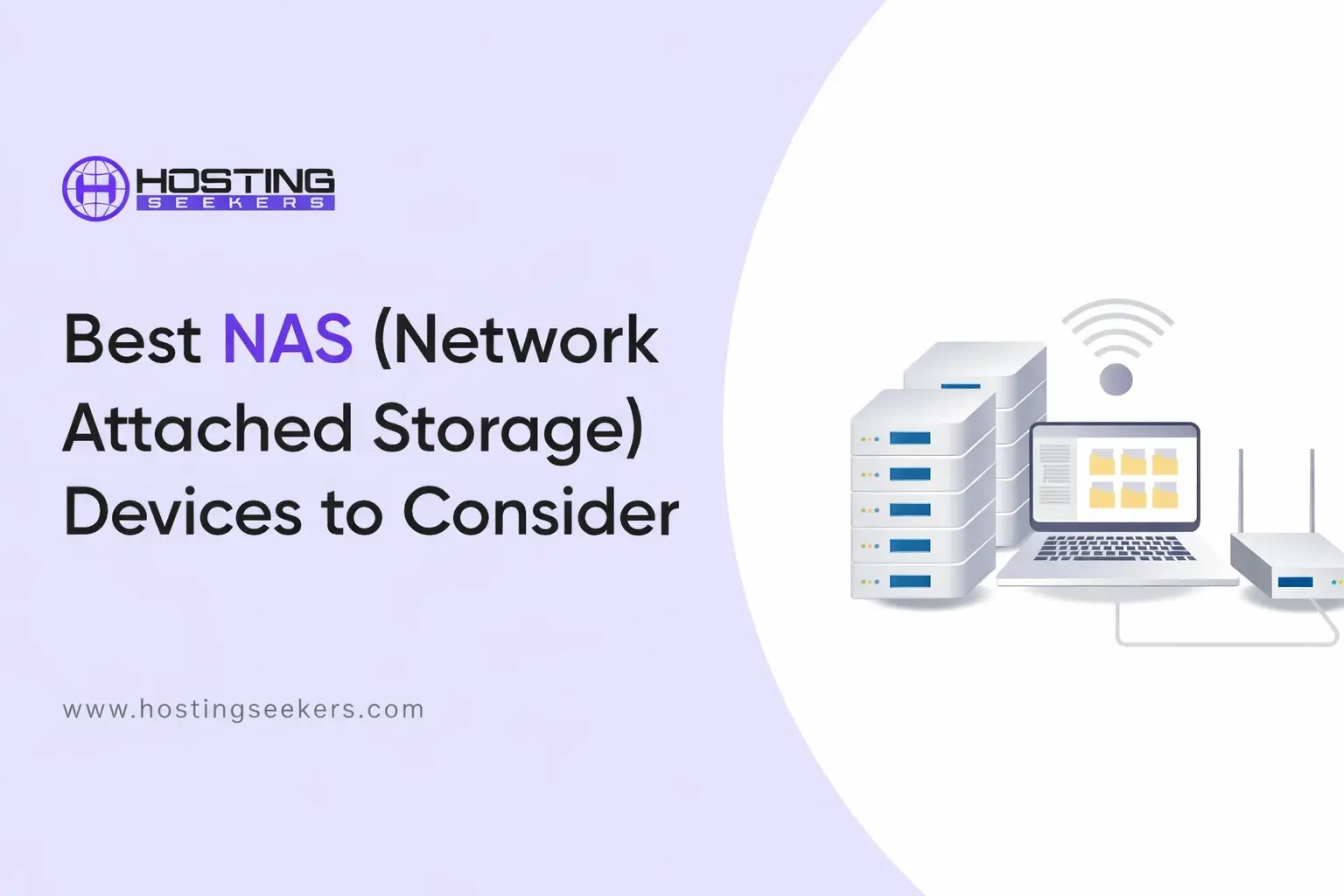
A Network Attached Storage (NAS) device is essentially a small computer designed to store and share data across your network using connected hard drives.
Think of it as a personal cloud server hosted at home. Unlike Cloud storage (where providers like Google or Amazon manage your data), a NAS is your data, hardware, and your rules.
NAS vs. Cloud Storage vs. External Drives: Which Wins?
| Feature | NAS | Cloud Storage | External Drive |
| Monthly Cost | $0 after purchase | $10/month (2TB tier) | One-time only |
| Access Location | Home network or remote | Anywhere with Internet | Plugged in only |
| Data Control | 100% yours | Provider managed | Physical only |
| Family Access | Multiple users simultaneously | Limited sharing | One person at a time |
| Protection | RAID redundancy | Provider’s responsibility | No redundancy |
| Typical Cost Per TB | $15–25/TB | $30–60/TB (2TB plan) | $20–30/TB (HDD) |
| If You Lose Internet | Works fine | Requires Internet | Works (if plugged in) |
| Setup Time | ~30 minutes | Instant | Instant |
| Reliability | RAID supported | Provider’s multi-copy systems | Single point of failure |
How NAS Works (Simplified)
A Network Attached Storage (NAS) system may sound technical, but its core working principle is surprisingly simple. It operates through three essential layers that work together to efficiently store, protect, and deliver your data.
1. Hardware Layer – Where Your Data Lives
This is the physical foundation of your NAS. A NAS device contains multiple hard drives (HDDs or SSDs) installed inside dedicated bays (such as 2-bay, 4-bay, 6-bay, or 8-bay systems). These drives store all your files, photos, videos, documents, and backups.
Unlike external hard drives that connect to a single device, NAS hardware is always connected to your network. This allows multiple users and devices to access the same storage simultaneously.
Why it matters: More drive bays = more storage capacity and better expansion options in the future.
2. RAID Layer – Your Data Protection System
The RAID (Redundant Array of Independent Disks) layer is what makes NAS truly powerful.
Instead of treating each drive separately, RAID combines multiple drives into a single system. It distributes or duplicates your data across drives to protect against hardware failure.
For example:
- If one drive fails, your data can still be recovered from the remaining drives.
- Some RAID configurations even allow two drives to fail without losing data.
Why it matters: This is the biggest advantage of NAS over external drives. You are not just storing data; you are protecting it.
3. Network Layer – Access Anytime, Anywhere
This layer connects your NAS to your devices through your home or office network.
Once set up, you can access your NAS from:
- Smartphones
- Laptops
- Smart TVs
- Remote locations (via internet access)
This turns your NAS into a personal cloud server, allowing you to access files anytime without relying on third-party services.
Why it matters: You get the convenience of cloud storage without sacrificing control over your data.
Top 10 NAS Devices to Consider in 2026
1. Synology DS1825+ – Best Overall NAS
Price: $1,149.99
The Synology DS1825+ is widely considered one of the most balanced NAS devices in 2026, offering a powerful Intel Xeon processor, scalable 8-bay storage, and support for high-speed 10GbE networking. It is designed for professionals, content creators, and growing businesses that require both performance and reliability. Its DSM software ecosystem adds significant value by providing advanced backup, cloud sync, and data management tools, making it a long-term investment.
Key Features
- 8-bay NAS supporting 3.5″ SATA HDDs, 2.5″ SATA SSDs, and M.2 NVMe drives
- Expandable up to 18 bays with expansion units, supporting up to 360TB raw storage
- Powered by AMD Ryzen V1500B (quad-core, 2.2GHz) processor
- Comes with 8GB DDR4 ECC RAM, expandable up to 32GB
- Dual 2.5GbE LAN ports with support for 10GbE / 25GbE upgrades via PCIe
- Delivers up to 2,239 MB/s read and 1,573 MB/s write speeds
- Includes 2× M.2 NVMe slots for SSD caching or high-speed storage pools
- Supports multiple RAID types, including RAID 0, 1, 5, 6, 10, JBOD, and Synology Hybrid RAID
- PCIe Gen3 expansion slot for adding high-speed network cards or upgrades
- Runs on Synology DSM, offering private cloud, backup suite, file sharing, and surveillance tools
- Supports up to 40 IP cameras for surveillance use cases
- Cross-platform access via mobile apps, desktop clients, and browser interface
2. TVS-h674T i5– Best Value for Small Business
Price: $2,499.00
The QNAP TVS-h674 delivers excellent performance for its price segment, powered by an AMD Ryzen processor that handles multitasking and multi-user environments efficiently. It is especially useful for small businesses dealing with large files, backups, and workload virtualization. Its business-focused features, including Active Directory integration and robust data protection, make it a reliable office solution.
Key Features
- Powered by Intel Core i5-12400 (6-core / 12-thread, up to 4.4GHz) processor for high-performance workloads.
- 6-bay NAS supporting 3.5″ HDDs and 2.5″ SSDs with RAID support for data protection.
- Comes with 32GB DDR4 RAM, expandable up to 64GB for heavy multitasking.
- Includes 2× Thunderbolt 4 ports for ultra-fast direct connection with Macs and PCs
- Built-in Intel UHD Graphics 730 for hardware-accelerated video transcoding
- Dual 2.5GbE LAN ports, upgradeable to 10GbE / 25GbE via PCIe expansion
- Supports up to 110TB storage, expandable up to 352TB with JBOD units
- Includes 2× M.2 NVMe PCIe Gen4 slots for SSD caching or high-speed storage pools
- Features self-healing data protection (ZFS-based) to detect and fix data corruption
- PCIe Gen4 expansion slots for adding network cards, SSDs, or other upgrades
- Supports 4K HDMI output (up to 4096×2160) for media playback and monitoring
- Hardware-accelerated AES-NI encryption for secure data handling without performance loss
3. Asustor AS7104T – Best for Media Streaming
Price: $648.99
The Asustor AS7104T is designed for media enthusiasts who want a powerful home server capable of handling 4K streaming and transcoding. With a powerful Intel Core processor and SSD caching, it ensures smooth playback across multiple devices. This makes it ideal for users building a Plex or other high-performance multimedia server.
Key Features
- 4-bay NAS supporting 3.5″ HDDs and 2.5″ SSDs with flexible storage configurations
- Powered by Intel Celeron N5105 quad-core processor (2.0GHz, boost up to 2.9GHz) for efficient multitasking
- Comes with 4GB DDR4 RAM, expandable up to 16GB for improved performance
- Includes 4× M.2 NVMe PCIe 3.0 slots for SSD caching or high-speed storage pools
- Dual 2.5GbE LAN ports with SMB multichannel support for combined speeds up to 5Gbps
- Delivers up to 590 MB/s read and 555 MB/s write speeds in RAID configuration
- Supports 4K video transcoding, making it ideal for Plex and media streaming setups
- Features an HDMI 2.0b output for direct media playback on displays
- PCIe expansion slot allows upgrade to 10GbE networking or additional capabilities
- Supports multiple RAID levels, including RAID 0, 1, 5, 6, and 10, for data protection and performance
- Compatible with virtualization platforms and backup tools, including VMware, Docker, and cloud sync apps
4. Synology DiskStation DS224+ – Best for Beginners
Price: $686.86
The Synology DS224+ is an excellent entry-level NAS that balances simplicity with functionality. It offers an intuitive setup process and a user-friendly interface, making it suitable for beginners who want to store photos, backups, and personal files securely. Despite its compact 2-bay design, it provides reliable performance for everyday home use.
Key Features
- 2-bay NAS supporting 3.5″ SATA HDDs and 2.5″ SATA SSDs with hot-swappable drive bays.
- Powered by Intel Celeron J4125 quad-core processor (up to 2.7GHz burst) for smooth everyday performance.
- Comes with 2GB DDR4 RAM, expandable up to 6GB for improved multitasking.
- Dual 1 GbE LAN ports with Link Aggregation for improved network performance and redundancy.
- Delivers ~225 MB/s read and write speeds, suitable for home and small office use
- Supports multiple RAID configurations, including RAID 0, 1, and Synology Hybrid RAID (SHR).
- Features Btrfs file system with snapshot technology for data protection and versioning.
- Runs on Synology DSM, offering an intuitive UI, file sharing, backup, and media management tools
- Built-in apps for photo management, file syncing, and private cloud storage
- Supports remote access via Quick Connect and mobile apps for access anywhere
- Energy-efficient design with low power consumption, ideal for 24/7 home use
5. Synology DS223 – Best Budget NAS
Price: $284.99
The Synology DS223 is a cost-effective solution for users who want to move away from cloud subscriptions and build their own private storage. It supports essential features such as remote access, backup tools, and file synchronization, making it a practical choice for individuals or small households.
Key Features
- 2-bay NAS supporting 3.5″ SATA HDDs and 2.5″ SATA SSDs with flexible storage setup
- Powered by Realtek RTD1619B quad-core processor (1.7GHz) for efficient everyday tasks
- Comes with 2GB DDR4 RAM (non-expandable) optimized for stable performance
- Single 1GbE LAN port for reliable network connectivity
- Delivers ~112 MB/s read and write speeds, suitable for basic storage and backups
- Supports RAID 0, RAID 1, JBOD, and Synology Hybrid RAID (SHR) for data protection
- Uses Btrfs file system with snapshot support to protect against accidental data loss
- Runs on Synology DSM, offering file sharing, backup, and private cloud features
- Built-in tools for automatic backups, file syncing, and multimedia management
- Supports remote access via QuickConnect and mobile apps for easy access anywhere
- Compact and energy-efficient design, ideal for home users and beginners
6. QNAP TS-h3087XU-RP – Best Enterprise NAS
Price: $11,999.00
The QNAP TS-h3087XU-RP is built for enterprise environments that demand high scalability and performance. Equipped with a powerful Intel Xeon processor and advanced expansion options, it can handle virtualization, large-scale backups, and data-intensive applications. Its enterprise-grade reliability makes it suitable for organizations managing massive datasets.
Key Features
- Powered by Intel Xeon E-2378 (8-core / 16-thread, up to 4.8GHz) processor for heavy enterprise workloads.
- Comes with 64GB ECC DDR4 RAM, expandable up to 128GB for large-scale multitasking.
- Massive 30-bay design (24 × 3.5″ + 6 × 2.5″ SATA) for extremely high storage capacity.
- Supports hybrid storage (HDD + SSD) with SSD caching to boost performance.
- Dual 10GbE + dual 2.5GbE ports for high-speed data transfer and enterprise networking.
- Expandable to 25GbE networking via PCIe Gen4 slots for ultra-fast connectivity.
- Includes 3× PCIe Gen4 slots for adding network cards, SSDs, or Fibre Channel expansion.
- Runs on QuTS hero (ZFS-based OS) with data integrity features like deduplication, compression, and snapshots.
- Advanced RAID support (RAID 0, 1, 5, 6, 10, 50, 60) for flexible data protection.
- Built-in AES-NI encryption engine for secure data without performance loss.
- Supports virtualization (VMware, Hyper-V) and containerized applications.
- Designed as a 4U rackmount NAS with redundant 800W power supplies for enterprise reliability.
- Handles up to 11,000 concurrent connections, suitable for large organizations.
- Comprehensive backup solutions including cloud, VM, and SaaS backups (Google Workspace, Microsoft 365).
7. Synology DS1525+ – Best for SMBs
Price: $799.99
The Synology DS1525+ offers a strong balance between performance and scalability, thanks to its 5-bay configuration and Ryzen processor. It is particularly useful for small and medium-sized businesses that need reliable backup solutions and support for multiple users. Its ability to expand storage and integrate with business tools makes it highly versatile.
Key Features
- 5-bay NAS with expansion support – Scale up to 300 TB raw storage using expansion units.
- Dual 2.5GbE ports with optional 10GbE upgrade for faster networking
- High performance speeds – Up to ~1,181 MB/s read / 1,180 MB/s write
- Supports 2.5 “/3.5” SATA HDDs & SSDs plus M.2 NVMe slots for caching
- 2 × M.2 NVMe slots for cache or high-speed workloads, PCIe slot for network upgrades (like 10GbE).
- Comprehensive backup for PCs, servers, VMs, and SaaS apps.
8. QNAP TS-832PX-4G – Best 8-Bay Budget NAS
Price: $971.99
The QNAP TS-832PX-4G is an affordable 8-bay NAS that provides impressive connectivity, including dual 10GbE ports, making it suitable for users who need large storage capacity without a high price tag. It is a great option for advanced home users or small businesses looking for scalability on a budget.
Key Features
- 8-bay NAS supporting 3.5″/2.5″ SATA drives for large storage capacity.
- Powered by a quad-core 1.7GHz ARM Cortex-A57 processor with up to 16GB RAM.
- Energy-efficient design suitable for continuous operation.
- Dual 10GbE SFP+ ports + dual 2.5GbE LAN ports for high-bandwidth workloads
- Supports port trunking and failover for improved network performance and reliability
- Hybrid cloud integration with low-latency access using cloud gateways
- Supports SMB, NFS, and AFP protocols for cross-platform file sharing
9. TerraMaster F4-424 Max – High-Performance Alternative
Price: $859.99
The TerraMaster F4-424 Max is gaining attention for its powerful hardware, including an Intel Core processor and strong performance for demanding workloads such as media streaming and heavy file processing. It serves as a competitive alternative to more established brands, especially for users who prioritize hardware performance.
Key Features
- Powered by Intel Core i5-1235U (10-core, 12-thread, up to 4.4GHz) for demanding workloads
- Comes with 8GB DDR5 RAM (expandable up to 64GB) for smooth multitasking
- Integrated Intel Iris Xe Graphics for media processing and transcoding
- Dual 10GbE ports delivering up to 20Gbps bandwidth
- Real-world speeds up to ~2090 MB/s write with SMB multichannel
- 4-bay NAS supporting 3.5 “/2.5” HDDs and SSDs
- 2 × M.2 NVMe slots (PCIe 4.0) for SSD caching and performance boost
- SSD caching + hybrid storage architecture for faster data access
- Faster app loading, file retrieval, and database response times
10. QNAP TVS-h874 – Premium Power User NAS
Price: $15311
The QNAP TVS-h874 is a high-end NAS designed for power users who need top-tier performance and expandability. With a modern Intel Core processor, PCIe expansion, and NVMe support, it can handle intensive workloads such as video editing, virtualization, and large-scale data management.
Key Features
- Powered by 12th Gen Intel Core processors (i5/i7/i9 options) with hybrid architecture for multitasking.
- Integrated Intel UHD Graphics 770 for media processing and GPU acceleration
- Supports DDR4 RAM (expandable up to 64GB) for heavy workloads
- 8-bay NAS supporting 3.5″/2.5″ SATA HDDs/SSDs
- Dual M.2 NVMe PCIe Gen4 slots for SSD caching or storage pools
- PCIe Gen4 slots for expansion cards (10/25GbE, QM2, GPU)
- Built-in 2.5GbE ports with optional 10GbE/25GbE upgrades
Final Verdict: Which NAS Should You Choose in 2026?
In 2026, NAS devices will have become powerful all-in-one solutions for storage, backup, and private cloud access. Whether you choose a beginner-friendly option like the Synology DS223 or a high-performance system like the QNAP TVS-h874, the right NAS depends on your needs. Overall, a NAS offers full control, enhanced security, and long-term savings, making it a smart investment for both home users and businesses.
Frequently Asked Questions (FAQs)
Q1. What is a NAS device, and how does it work?
Ans. A Network Attached Storage (NAS) device is a dedicated storage system connected to a network, allowing multiple users to store, access, and share data from a centralized location.
Q2. Is NAS better than cloud storage?
Ans. NAS offers full data control and no monthly fees, while cloud storage provides convenience and remote access. The better option depends on your needs and budget.
Q3. How much storage do I need for a NAS?
Ans. It depends on the usage. Home users may need 2–8 TB, while businesses or creators often require 20 TB or more, with scalability options.
Q4. What is RAID, and why is it important to NAS?
Ans. RAID (Redundant Array of Independent Disks) combines multiple drives to improve performance and protect data from drive failure.
Q5. Can I access my NAS remotely?
Ans. Yes, most NAS devices support remote access through apps or web interfaces, allowing you to access files from anywhere.
Q6. Which NAS is best for home users in 2026?
Ans. Beginner-friendly models like the Synology DS223 are ideal for home use due to their affordability and ease of setup.
Q7. What is the difference between a 2-bay and a 4-bay NAS?
Ans. A 2-bay NAS supports fewer drives and is suitable for basic use, while a 4-bay NAS offers more storage, better RAID options, and improved data protection.
Q8. Can a NAS be used for video streaming?
Ans. Yes, many NAS devices support media servers like Plex, allowing you to stream videos, including 4K content, across multiple devices.

manvinder Singh
https://www.hostingseekers.com
Manvinder Singh is the Founder and CEO of HostingSeekers, an award-winning go-to-directory for all things hosting. Our team conducts extensive research to filter the top solution providers, enabling visitors to effortlessly pick the one that perfectly suits their needs. We are one of the fastest growing web directories, with 500+ global companies currently listed on our platform.