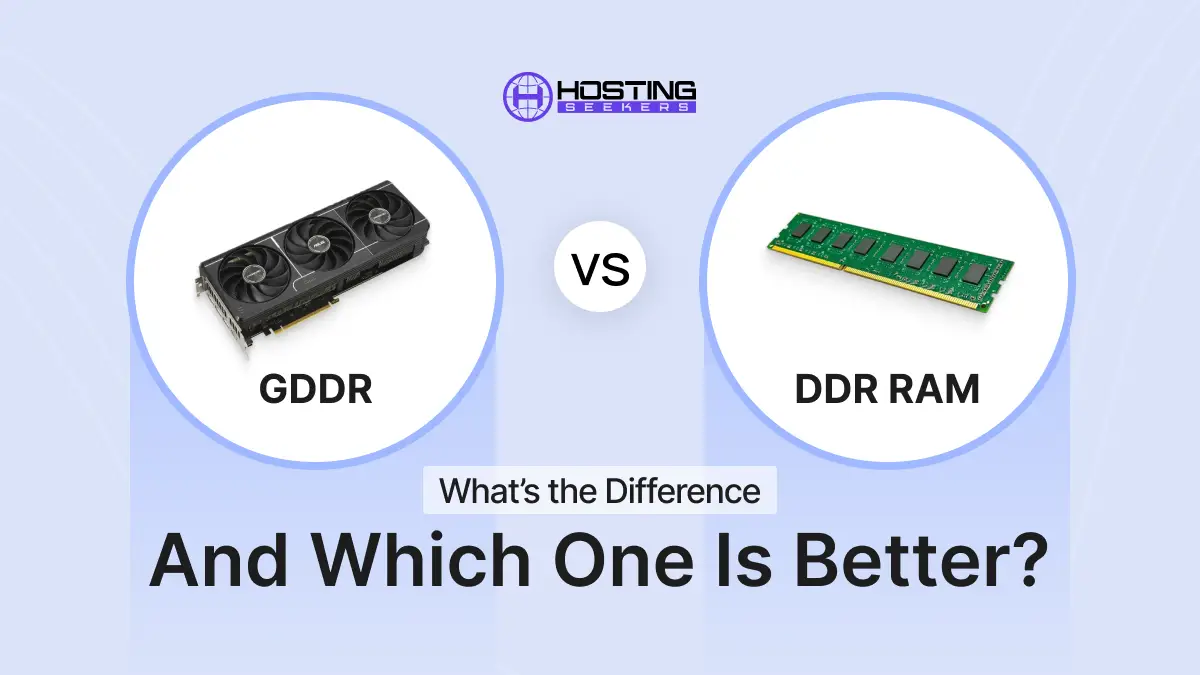
GDDR vs DDR RAM: What’s the Difference and Which One Is Better?
IT Published on : May 19, 2026Understanding the difference between GDDR and DDR is important when choosing a gaming PC, workstation, or AI system because both memory types serve different roles in computer performance. This blog dives deep into both types of memory, examining their speed, bandwidth, latency, and applications to help you choose wisely.
Quick Answer: GDDR vs DDR
DDR (Double Data Rate) SDRAM works as a system memory for the CPU and is designed for low latency (~14 ns). GDDR SDRAM is a type of graphics memory optimized for high bandwidth (up to 1.5+ TB/s with GDDR7), and it is used as a GPU video memory (VRAM). DDR and GDDR cannot be substituted. The DDR is mounted on the motherboard in the form of removable DIMM sticks, while the GDDR is soldered directly onto the GPU’s PCB. DDR5 (up to 8,800 MT/s per JEDEC JESD79-5C) is the latest generation of DDR. GDDR7 (up to 32 Gbps per pin) is the newest generation of GDDR.
What Is DDR Memory?
DDR (Double Data Rate SDRAM) is the system RAM used by CPUs in computers. It transfers data on both the rising and falling edges of the clock signal, doubling throughput versus traditional SDRAM. DDR is installed on the motherboard as replaceable DIMM sticks and is optimized for low latency to serve the CPU’s sequential, diverse instruction workloads.
DDR memory holds the data and instructions your CPU needs for everything running on your computer: the operating system, open applications, browser tabs, files in active use, and background services. Without sufficient DDR, a system slows dramatically as it is forced to retrieve data from much slower storage.
DDR Generations Specifications
What Is GDDR Memory?
GDDR (Graphics Double Data Rate SDRAM) is a specialized high-bandwidth memory type soldered directly onto GPU PCBs, serving as video memory (VRAM). GDDR is optimized for memory bandwidth rather than latency, using wider memory buses (up to 512-bit) to feed thousands of parallel GPU shader cores simultaneously. The latest generation, GDDR7, achieves speeds up to 32 Gbps per pin (Micron) with system bandwidth exceeding 1.5 TB/s, offering 60% more bandwidth than GDDR6 and 50% better power efficiency.
GDDR Generations Specifications
GDDR memory is not a module you buy separately; it comes pre-installed on a GPU and is non-upgradeable in consumer graphics cards.
GDDR vs DDR: Key Differences in Speed, Bandwidth, and Use Cases
Note:
DDR and GDDR are not inherently better or worse than each other. They are designed for different processors and workload patterns. Comparing them directly only makes sense when evaluating a specific task, such as gaming, rendering, or AI processing.
1. Primary Purpose
DDR memory is used by the CPU for general-purpose computing that uses a variety of sequential tasks. GDDR memory is used by the GPU for rendering graphics and performing massively parallel compute operations.
2. Bandwidth vs Latency
- DDR prioritizes low latency. The CPU needs to access small, varied pieces of data quickly and respond in real time to diverse instructions. Latency in DDR is measured in CAS Latency (CL) values. Both DDR4 and DDR5 maintain approximately 14 ns of absolute latency, which keeps CPU operations responsive.
- GDDR prioritizes high bandwidth. The GPU does not need to be super quick on a single memory access; instead, it needs to move large amounts of data simultaneously across thousands of parallel cores. GDDR does so by using much wider memory buses and higher sustained throughput.
3. Memory Bus Width
- DDR: 32-bit x2 per DIMM: DDR5 uses two 32-bit sub-channels for efficiency.
- GDDR: 128-bit to 512-bit (Aggregate): High-speed, wide bus created by multiple chips. This wider bus is what enables the bandwidth of modern graphics cards.
4. Data Transfer Approach
GDDR is designed for much higher data throughput, making it ideal for graphics rendering, gaming, and AI workloads. It achieves this through higher clock speeds, wider memory interfaces, and optimized parallel data handling, which helps GPUs process large amounts of data efficiently.
5. Signaling Technology
- DDR5 uses NRZ (Non-Return-to-Zero) binary signaling.
- GDDR6X uses PAM4 (Pulse Amplitude Modulation, 4 levels), which doubles the number of electrical states per cycle, boosting data rates significantly.
- GDDR7 uses PAM3 (3 levels), which strikes a balance between raw speed and heat management, offering a 30% wider voltage eye opening than PAM4 for improved signal stability.
6. Physical Form and Upgradeability
- DDR: Removable DIMM/SO-DIMM modules. You can upgrade your system RAM by purchasing new sticks.
- GDDR: Soldered directly onto the GPU PCB. VRAM can’t be upgraded separately on consumer graphics cards.
7. Power Consumption and Heat
Even though it has a higher bandwidth, GDDR is created with power efficiency in mind. To further enhance power efficiency over GDDR6, Micron’s GDDR7 operates at less than 1.2V. DDR5 also has a lower voltage of 1.1V compared to DDR4’s 1.2V.
8. Generation Numbering Is Independent
One thing to be aware of: There is no direct relation between the DDR and GDDR generation numbers. GDDR5 is more similar to DDR3 than DDR5. The two standards have completely different development paths and follow different specifications.
Why GPUs Use GDDR Instead of DDR?
GPUs employ GDDR, rather than DDR, because thousands of parallel processing cores need a huge amount of memory bandwidth to keep up with their demand. A high-end GPU such as the NVIDIA RTX 4090 has 16,384 CUDA cores, which require continuous access to data.
For this kind of workload, GDDR is the suitable option as it has a wide memory bus (up to 512 bits on PCIe GPUs), high sustained bandwidth, and is capable of performing simultaneous read and write operations on the same clock cycle. This is why businesses running AI models, rendering workloads, or simulations often choose GPU server hosting for better performance. DDR’s 64-bit bus and latency-first design would result in a disastrous data flow problem for parallel GPU computing.
Why CPUs Use DDR Memory?
The most important reason why CPUs use DDR memory is that it has a low latency period and responds quickly to the common requests that are made during everyday computing. The modern DDR5 memory can deliver speeds of over 4,800 MT/s and can be used for very high capacity, up to 32 GB, 64 GB or even 256 GB+ in workstations and servers.
This facilitates the smooth running of CPUs to manage multitasking, operating systems, applications, and virtual machines. DDR memory is built directly onto the motherboard and linked to the CPU via specific memory channels. DDR is not designed for high graphics bandwidth like GDDR instead, it is optimized for quick data access.
GDDR vs DDR for AI and Machine Learning
For AI and machine learning tasks, GDDR memory is mainly used by GPUs to handle heavy calculations quickly. AI models process huge amounts of data at the same time, and GDDR’s high bandwidth helps move this data faster between the memory and GPU cores.
Newer technologies like GDDR7 are being developed specifically for demanding workloads such as generative AI, deep learning, and high-performance computing (HPC). In large AI data centers, companies often use HBM (High Bandwidth Memory), which offers even higher speed and capacity than GDDR.
DDR memory, on the other hand, supports the CPU side of AI workloads. It helps with:
- Loading datasets
- Running the operating system
- Data preprocessing
- Managing AI applications
AI/ML Tip:
For AI and machine learning workloads, prioritize GPU VRAM capacity and bandwidth (GDDR) for model inference and training. At the same time, ensure at least 32 GB to 64 GB of DDR5 system memory on the CPU side to avoid data pipeline bottlenecks. For large-scale training beyond consumer GPU limits, data center GPUs with HBM memory are the preferred professional solution.
Can GDDR Replace DDR?
No, GDDR cannot replace DDR because both are designed for different tasks. DDR memory is optimized for CPUs and everyday system operations, while GDDR is built for GPUs and high-bandwidth graphics processing. GDDR has higher latency and is not suitable as regular system RAM. Similarly, DDR cannot provide the bandwidth modern GPUs need. In most computers, DDR and GDDR work together to deliver balanced performance.
Common Use Cases of DDR and GDDR
DDR use cases include: running operating systems, web browsing, office productivity, virtual machines, server databases, content creation (CPU side), gaming (CPU engine), and software compilation.
GDDR use cases include: real-time 3D gaming (textures and frame buffers), 3D modeling and rendering, GPU-accelerated video encoding, AI model inference and training, scientific simulation, autonomous vehicle sensor processing, and cryptocurrency mining.
GDDR vs SDRAM
SDRAM (Synchronous Dynamic Random Access Memory) is the broader category of memory synchronized with the system clock. Both DDR and GDDR are advanced forms of SDRAM.
Here is the relationship:
So, when comparing GDDR vs SDRAM, it is important to understand that GDDR itself is actually a specialized type of SDRAM technology.
How to Choose the Right Memory Type?
To select the right memory type, follow the instructions below:
Choosing DDR (System RAM)
- For daily use and productivity: 16 GB of DDR4/DDR5 memory is good enough for most people.
- For playing games: you can opt for 16 to 32 GB of DDR5, which is sufficient for modern games.
- For content creation and multitasking: 32 to 64 GB of DDR5.
- For servers and workstations, including dedicated server deployments, 64 GB to multiple terabytes of DDR5 ECC RAM may be required, depending on workload requirements.
- Check compatibility: Your motherboard and CPU dictate which DDR generation and speed you can use. DDR4 and DDR5 are not physically compatible with each other.
Choosing GDDR (GPU / VRAM)
- For 1080p gaming: A GPU with 8 GB of GDDR6 is generally sufficient.
- For 1440p gaming: 12–16 GB of GDDR6 or GDDR6X is recommended.
- For 4K gaming: 16–24 GB of GDDR6X or GDDR7.
- For AI inference and generative AI: Prioritize VRAM capacity. 24 GB GDDR6X (RTX 4090) or GDDR7 (RTX 5090-class) cards are preferred for running large open-source models.
- For professional visualization and HPC: Use workstation GPUs with larger memory pools or data center GPUs with HBM memory.
Key Fact:
If your system does not have enough DDR memory, even a high-end GPU with sufficient GDDR can become bottlenecked. Likewise, if the GPU has low VRAM, overall graphics and AI performance may still be limited even with ample system RAM. For balanced performance, both DDR system memory and GDDR VRAM should be properly matched to the workload.
Conclusion
DDR and GDDR are both essential and complementary memory technologies that cannot replace each other. DDR is CPU system memory: low latency, modular, scalable in size, for operating systems and applications. GDDR is a high-speed type of GPU video memory, physically attached to the graphics card PCB, used for gaming, rendering, and AI inference. The current DDR standard is DDR5 (4,800–8,800 MT/s per JEDEC). The current GDDR standard is GDDR7 (32+ Gbps per pin, 1.5+ TB/s system bandwidth per Micron). There is no “better” as both are optimum for their tasks. Both are essential components of a complete computing system. If you are planning to deploy AI applications or high-performance workloads, choosing the right combination of DDR system memory and GPU VRAM is essential for AI hosting and GPU server hosting environments.
Frequently Asked Questions
Q1. Is GDDR faster than DDR?
Ans. Yes, GDDR memory generally provides much higher bandwidth than DDR memory. However, DDR often has lower latency, which makes it better for CPU tasks.
Q2. Why is GDDR used in graphics cards?
Ans. GDDR is used in graphics cards because GPUs require extremely high memory bandwidth for rendering graphics, textures, and parallel computations efficiently.
Q3. What is the difference between GDDR memory vs DDR memory?
Ans. GDDR memory is used in GPUs for graphics processing, while DDR memory is used as system RAM for CPUs. GDDR focuses on bandwidth, whereas DDR focuses on low latency.
Q4. Which is better: GDDR vs DDR RAM for gaming?
Ans. For gaming, both are important. DDR RAM handles system tasks, while GDDR RAM powers the graphics card. A balanced system needs both for optimal performance.
Q5. Can a PC run only on GDDR memory?
Ans. No. Standard PCs require DDR memory for system operations. GDDR is designed specifically for graphics processing and cannot fully replace system RAM in mainstream architectures.
Q6. Is GDDR a type of SDRAM?
Ans. Yes, GDDR is a specialized type of SDRAM designed specifically for graphics processing and high-bandwidth workloads.
Q7. Which memory type is better for AI workloads?
Ans. AI systems benefit from both:
- DDR for system-level operations
- GDDR for GPU acceleration and model computation
For large AI models, higher VRAM capacity is often critical.
Q8. What is the difference between GDDR and SDRAM?
Ans. GDDR is a specialized form of SDRAM designed for graphics cards. Standard SDRAM is a general synchronous memory technology, while GDDR is optimized for the much higher bandwidth required by GPUs.

manvinder Singh
https://www.hostingseekers.com
Manvinder Singh is the Founder and CEO of HostingSeekers, an award-winning go-to-directory for all things hosting. Our team conducts extensive research to filter the top solution providers, enabling visitors to effortlessly pick the one that perfectly suits their needs. We are one of the fastest growing web directories, with 500+ global companies currently listed on our platform.